
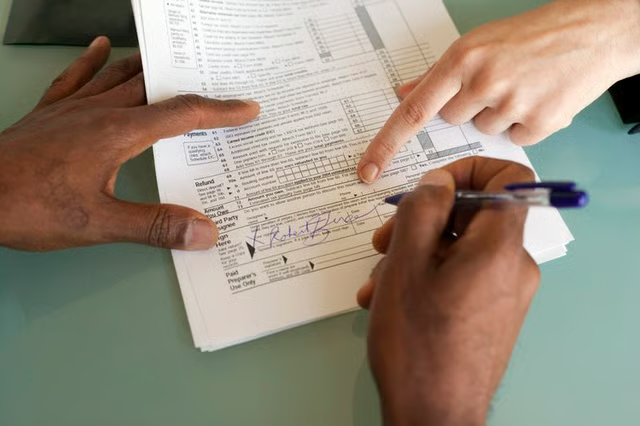


After filling out your forms, signing on the bottom line and dispatching your tax return to the proper IRS office, you are often left to wonder whether the IRS received the return. The IRS provides multiple options for you to file your returns, including online, by traditional mail or through a professional tax preparation service. Not all of these choices offer immediate verification that the IRS has received the tax filing.
The good news is that if you want to verify tax return receipt with the IRS, this is a quick, easy and painless process. Whether you are checking on the status of a refund or simply confirming that the IRS has received your return, the IRS makes it convenient to verify my tax return filing status, says USA.gov. The key is to gather all your relevant tax information before contacting the IRS.
Finding Your Your Tax Data
Whether you are reaching out to the IRS by phone or online, you will be required to provide some basic personal information. In addition to your full name, be prepared to supply the IRS with your street address, ZIP code, date of birth and Social Security number. The IRS representative may also ask for your filing status.
The five primary filing statuses are single, married filing jointly, married filing separately, head of household and qualifying widow or widower with dependent children. Finally, you may have to provide the amount you owe or the amount of your expected IRS tax refund. It helps to have a photocopy or digital image of your return on hand.
Read More: How to Get an IRS Pin Number if I Didn't File Taxes Last Year
Looking for IRS Contact Information
If you are contacting the IRS by phone, the best number to call is the main IRS customer service line, which is (800) 829-1040. Taxpayers who are hearing impaired or speech impaired may use the IRS TTY service line, which is (800) 829-4059. IRS representatives on those lines will be able to assist you with verifying your tax filing.
The dedicated number to check on the status of your refund is (800) 829-1954. The service is automated, available 24 hours a day and offered in either English or Spanish. A final option to obtain an update on a tax refund by phone is to call the IRS TeleTax System at (800) 829-4477.
All the numbers are toll-free. You should wait about two to three weeks after filing to contact the IRS.
Read More: Can I File Taxes Over the Phone?
Obtain Refund Status Online
If you are anticipating a refund, you can check the status of your filing by visiting the "Refunds" section of the IRS website. It is best to wait four weeks after filing before googling "Track my refund". Even if you are not anticipating a refund, you can discover whether your return has been processed by visiting the "Get Transcript" portion of the IRS site.
If you are verifying an amended tax filing, you can also use the IRS website. The IRS advises that it can take up to three weeks after mailing for an amended return to enter the system and up to 16 weeks for complete processing.
Read More: Can You E-File If You Owe Taxes?
Reporting Your Concerns
As mentioned previously, your best strategy to use if you feel that your refund has not been processed is to report your concerns to the IRS directly using any of the contact information provided here. You can also visit the official website of the IRS online for more information.
