
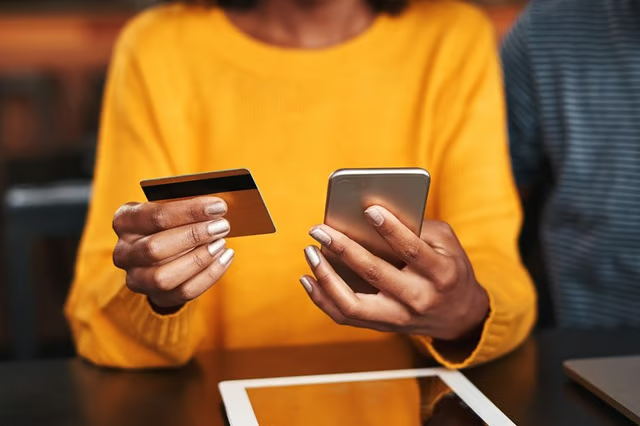
MyVanilla Visa cards are prepaid cards that you can use at ATMs and stores that accept Visa. They're similar to debit cards that come with checking accounts from banks. You can order them online or pick them up and refill them at a number of retail stores.
Activating the MyVanilla Visa Card
You can get a "starter card" at a retailer before receiving a permanent MyVanilla Visa Card in the mail, or just request one from MyVanilla's website. Either way, you'll need to activate it before you can use it, just as you do with other Visa credit and debit cards. MyVanilla also offers MasterCard-branded cards that work similarly. There is no purchase fee for a MyVanilla card when you sign up online.
You can do this by registering on the MyVanilla website for an account. If you have troubles, you can call MyVanilla's customer support line at (855) 686-9513 for assistance.
Read More: How to Send a Visa Gift Card Online
Using the MyVanilla Visa Card
Once your card is activated, you can use it as you would another Visa debit card. You can add funds to it with cash at various retailers such as Walmart, receive direct deposit through your employer or deposit checks using MyVanilla's mobile app. You also can transfer funds from one MyVanilla card to another.
The MyVanilla smartphone app can help you find retailers where you can load money onto the card or check your balance.
Once you have money on the card, you can use it to make purchases at places that accept Visa debit cards or make withdrawals through an ATM. You likely will have to pay multiple fees at out-of-network ATMs, but you can find in-network ATMs that charge smaller fees through the MyVanilla website. You also can withdraw money from the card at Walmart for a fee.
Other Vanilla Products
The MyVanilla Visa isn't the only Vanilla card product out there. Vanilla also offers prepaid gift cards, which you or people you buy them for can use anywhere that Visa cards are accepted. Vanilla gift cards don't expire and aren't credit cards, so no credit check is required. The gift cards don't need to be activated once they're purchased.
You also might see signs advertising My Vanilla: Get Started with MyVanilla, which allows you to add funds to your MyVanilla card at various retailers. All you need to do is take your MyVanilla card to the cash register at participating stores, hand the cashier the amount you want to add to the account and swipe your card. The funds will be loaded onto your card.
Read More: How to Convert a Visa Gift Card
