
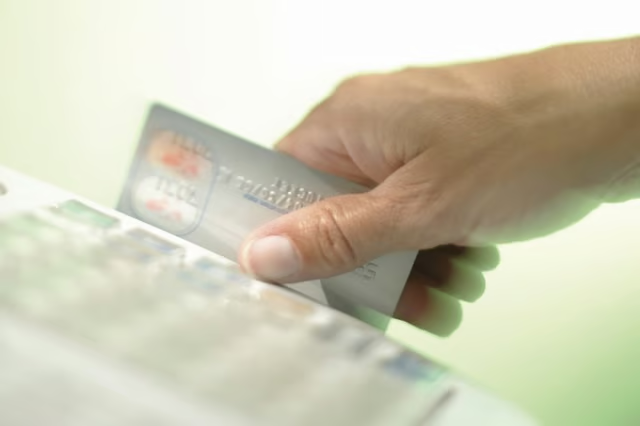


Some credit cards display a symbol that is familiar to most modern-day users -- the Wi-Fi icon turned on its side. The icon consists of a series of nested curved lines that gradually get bigger. While the Wi-Fi icon stacks the curves vertically, your credit card displays them next to one another. The icon doesn't mean that your credit card can connect to the Internet or download YouTube videos, though. It indicates the card has a radio-frequency identification chip inside.
Traditional Card Technology
Every credit card has a magnetic stripe that contains data such as your card number and the expiration date as well as codes that validate your credit card as genuine. Old-school readers work just like your parent's cassette tape players and use magnets to read the data. Your credit card also has its number, expiration date and verification code printed on it so that a store clerk can enter it by hand if the magnetic stripe doesn't work.
Contactless Technology
Contactless cards add a small radio-frequency identification chip and antenna, usually hidden inside the card's plastic. When you wave the card in front of a reader that is compatible, the reader sends a signal that wakes up the RFID chip in your card. Your credit card then wirelessly gives the reader the information that it needs to process the transaction. You don't even have to take the card out of your wallet -- you just have to wave it within a couple of inches of the reader.
Identifying Contactless Cards
While the curved-line icon is a universal symbol for a contactless card, not every card or reader will have it. Different card issuers use different names and symbols for their particular RFID systems. A card with the curved-line icon or with the words "Blink," "PayPass" or "payWave" has an RFID chip. You can also look for the symbol or words on credit card terminals at stores and gas stations to see if you can use your contactless card with them.
Near-Field Communication Drawbacks
There are two key drawbacks to this technology. It's technically possible for someone to read your credit card by getting close to you with a near-field card reader, such as exists in many cell phones. While this is a real risk, the readers can't get enough data to make fraudulent transactions. The other drawback occurs if you have multiple contactless cards in your wallet; terminals might not be able to tell which one you want to use at any given time. You could end up with an error or with a charge to the wrong card. In these instances, you'll need to take the card out of your wallet.
