
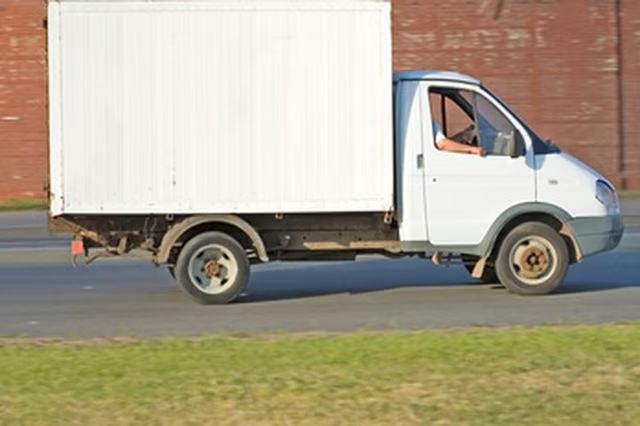
For a fee, Orange County Goodwill offers a pickup service for residents wishing to donate household items or vehicles. Because of increasing gas prices and the high volume of pickup requests, Goodwill of Orange County has partnered with College Hunks Hauling to remove donated items from anywhere inside a donor's property as well as to remove items that Goodwill cannot accept. In addition, Goodwill of Orange County accepts donations of vehicles, boats, trailers, recreational vehicles and airplanes. Individuals donating items receive a Goodwill receipt and can take a tax deduction on the value of the donation.
Scheduling a Pickup of Household Items
Visit the Goodwill of Orange County website, ocgoodwill.org, to schedule a pickup via the web. Click on the "Make a Donation" link at the top left corner of the page.
Click on the "Giving Goods" link at the "Ways to Give" page. Scroll down the page until you see the heading "Pick Up Booking."
Click on the "College Hunks Hauling" link under the "Pick Up Booking" heading. Complete the "Request a Pick Up" form and click on the "Submit" button to schedule the pickup. Select "Goodwill" at the "Referred by" drop down menu.
Scheduling A Vehicle Donation Pickup
Visit the Goodwill of Orange County website, ocgoodwill.org, to schedule a pickup via the web. Click on the "Make a Donation" link at the top left corner of the page.
Click on the "Vehicle Donations" link at the "Ways to Give" page. Scroll down the page until you see the link "Click Here for More Information." Click on the link.
Click on "Donate Now" link to be taken to the "Donation Pick Up Form." Complete the form and hit "Submit." You will be contacted by the transport company by phone within twenty-four hours.
Arrange a vehicle pickup time with the transport company. Complete and mail back any paperwork sent by the transport company along with the signed vehicle title.
