


Paying for things is easy when you have a checking account. You can use your checking account to pay your bills and purchases, whether they are made online or at a brick-and-mortar store. Additionally, there are various ways to access the money in your account when you need to pay for something, because checking accounts are designed for maximum versatility.
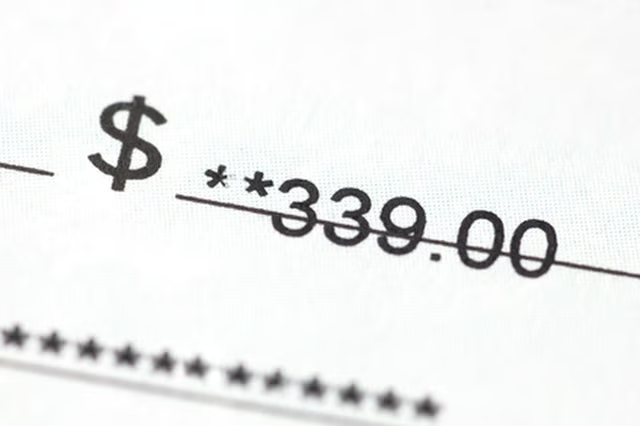
Write a check. Whether you are buying something in person or paying a utility bill, you can write a check for the amount owed and either send it in or present it in person. When the check is cashed, the money will be taken out of your checking account.
Use your debit card. A debit card looks like a credit card. You swipe it when paying for something at a store, then enter your personal identification number and press a button authorizing the transaction. The money is immediately taken out of your account. For online or over-the-phone purchases, provide your debit card number, expiration date and the security number on the back of the card by the signature strip.
Visit a bank or ATM machine to take out cash from your checking account if you prefer to pay with cash. Insert your card, input your PIN and touch the button next to the amount you want to withdraw, as long as it is less than the balance in your account. You will get a receipt for the transaction and your card back when you are done.
Use a payment service like PayPal to pay for online purchases. Open a new account in your name by inputting the requested information into the site. Then, link your PayPal account to your bank account by providing your banking information (routing and checking account number). To ensure the information is correct, PayPal will make a couple of minuscule deposits into your bank checking account and tell you how to verify the amounts. Once your account has been verified, you can transfer money to and from your PayPal account. To pay for purchases using PayPal or to send money, you need your user name, which is usually your email address.
