


One of the main benefits of credit cards is convenience. Cards are particularly convenient at gas stations because in most cases, you can fill up right at the pump with your card, without having to go inside to see an attendant. Another advantage is that with credit cards, you have protection against fraud. This is important due to the rise of credit card skimmers being found at gas pumps.
Pull up to the Pump
When you are ready to buy gas, drive your car up to the terminal and make sure your gas tank is near the pump. Leave enough space so that you have room to pump your gas. If you need help remembering on which side of the car your gas tank is located, look at your dashboard. Many cars have a little gas indicator with a tiny arrow next to it. That arrow actually points to the gas tank side of your car.
Use Your Credit Card
Once at the pump, you'll usually have a choice of whether you want to pay with cash or credit. Select the "credit" button. Some pumps might also ask if you want to pay inside or outside, in which case you would select "outside."
Insert your credit card into the machine as indicated. Typically, you'll see a graphic indicating how to orient the magnetic strip on the back of your card when you put it into the machine. For most pumps, you'll be asked to insert your card and quickly remove it.
Some pumps may ask you to select the type of card you are using. Many pumps will ask you to enter your zip code to verify your identity. You may also be asked if you want a receipt at the end of your transaction.
Pump Your Gas
At most gas pumps, you'll have to choose the grade of gasoline you want. While a few pumps only offer regular gas, many also offer a mid-grade and premium gasoline as well. Some pumps also provide diesel as an option. Check with your car manufacturer as to which type you should put in your car, as some types may require premium or diesel.
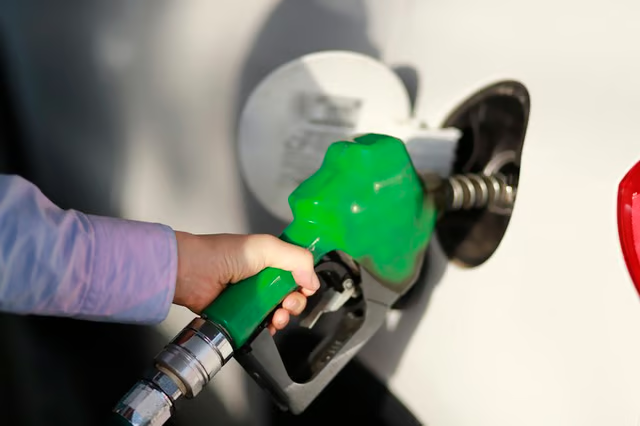
Take the nozzle out of the pump and insert it into your gas tank. For some pumps, you may have to lift a lever on the pump to turn it on before pumping.
Collect the Receipt
After pumping your gas, return the nozzle to the pump. Seal your gas tank with the gas cap. You'll have the opportunity to request a receipt. It's a good idea to press "yes" and wait for the receipt to print. This way you'll be able to reconcile the amount with your credit card statement later, as well as have proof if there are any discrepancies.
